Arrow Functions in JavaScript: A Simpler Way to Write Functions
JavaScript has evolved a lot over the years. One of the features introduced in modern JavaScript (ES6) that quickly became popular is arrow functions.
If you've written JavaScript functions before, you might remember how repetitive they sometimes feel. Arrow functions were introduced mainly to make functions shorter, cleaner, and easier to read.
In this article, we'll understand what arrow functions are, how their syntax works, and how they differ from normal functions.
What Are Arrow Functions?
An arrow function is simply a shorter way to write functions in JavaScript.
Instead of using the traditional function keyword, arrow functions use the => symbol (called the arrow operator).
They are especially useful for small functions, like simple calculations or callbacks.
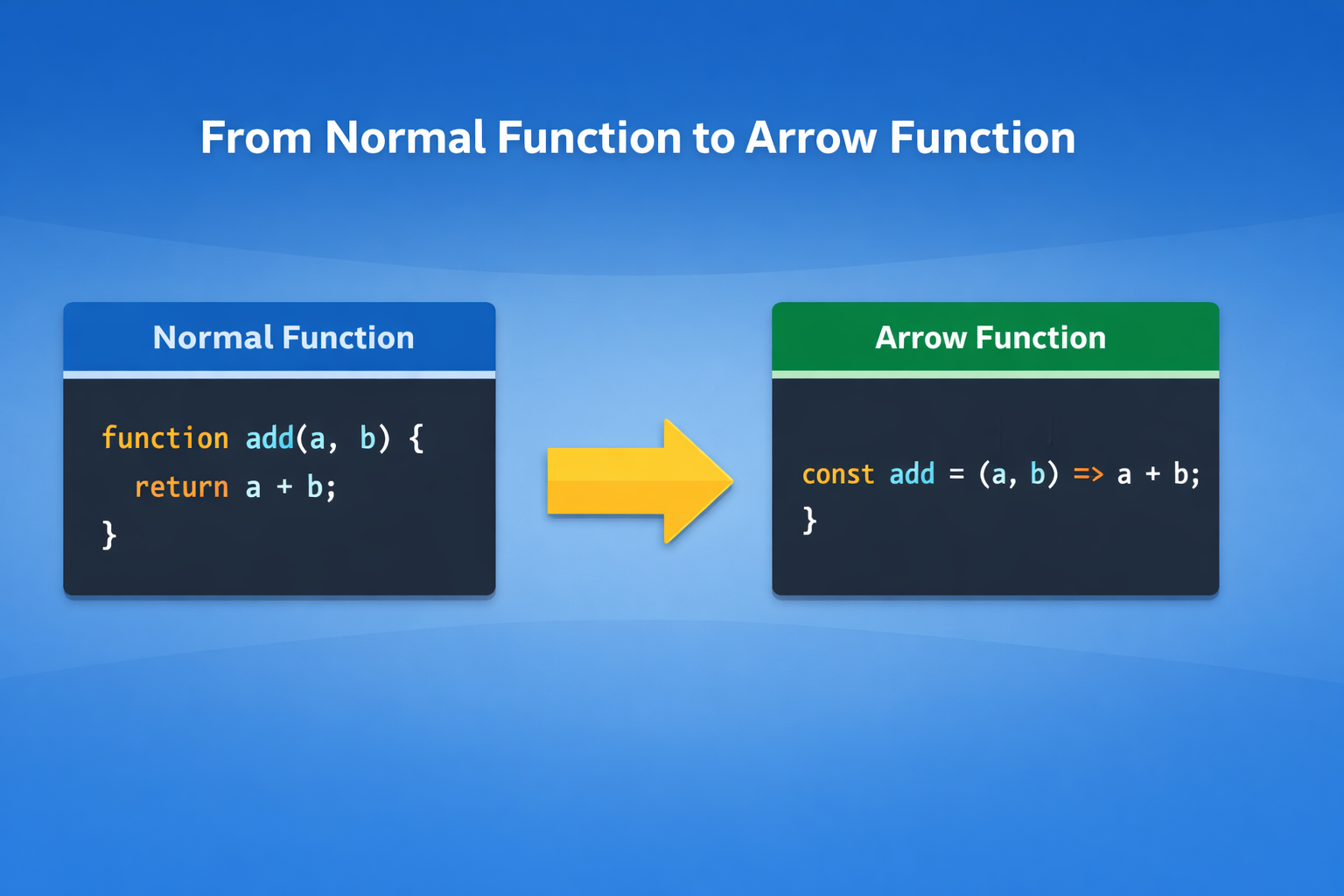
Let's start with a normal function example.
function add(a, b) {
  return a + b;
}

console.log(add(5, 3));
Now let's write the same function using an arrow function.
const add = (a, b) => {
  return a + b;
};

console.log(add(5, 3));
Same result — but shorter syntax.
Basic Arrow Function Syntax
The basic structure of an arrow function looks like this:
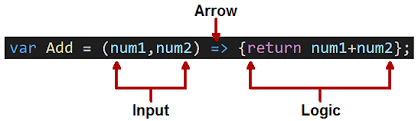
const functionName = (parameters) => {
  // code
};
Example:
const greet = (name) => {
  return "Hello " + name;
};

console.log(greet("Joydeep"));
Output:
Hello Joydeep
The => symbol basically replaces the function keyword.
Arrow Function with One Parameter
If an arrow function has only one parameter, you can remove the parentheses.
Example:
Normal function:
function square(num) {
  return num * num;
}
Arrow function version:
const square = num => {
  return num * num;
};

console.log(square(5));
Output:
25
Both versions work exactly the same.
Arrow Function with Multiple Parameters
When a function has two or more parameters, parentheses are required.
Example:
const multiply = (a, b) => {
  return a * b;
};

console.log(multiply(4, 3));
Output:
12
So the rule is simple:
| Parameters | Parentheses Needed |
|---|---|
| One | Optional |
| Multiple | Required |
Implicit Return vs Explicit Return
One of the most interesting features of arrow functions is implicit return.
Explicit Return
This is the normal way — using return.
const add = (a, b) => {
  return a + b;
};
Here we explicitly write return.
Implicit Return
If the function contains only one expression, JavaScript automatically returns it.
const add = (a, b) => a + b;

console.log(add(5, 2));
Output:
7
Notice:
No curly braces
{ }No
returnkeyword
JavaScript automatically returns the result.
Another example:
const greet = name => "Hello " + name;

console.log(greet("Joydeep"));
Output:
Hello Joydeep
This makes arrow functions very concise and readable.
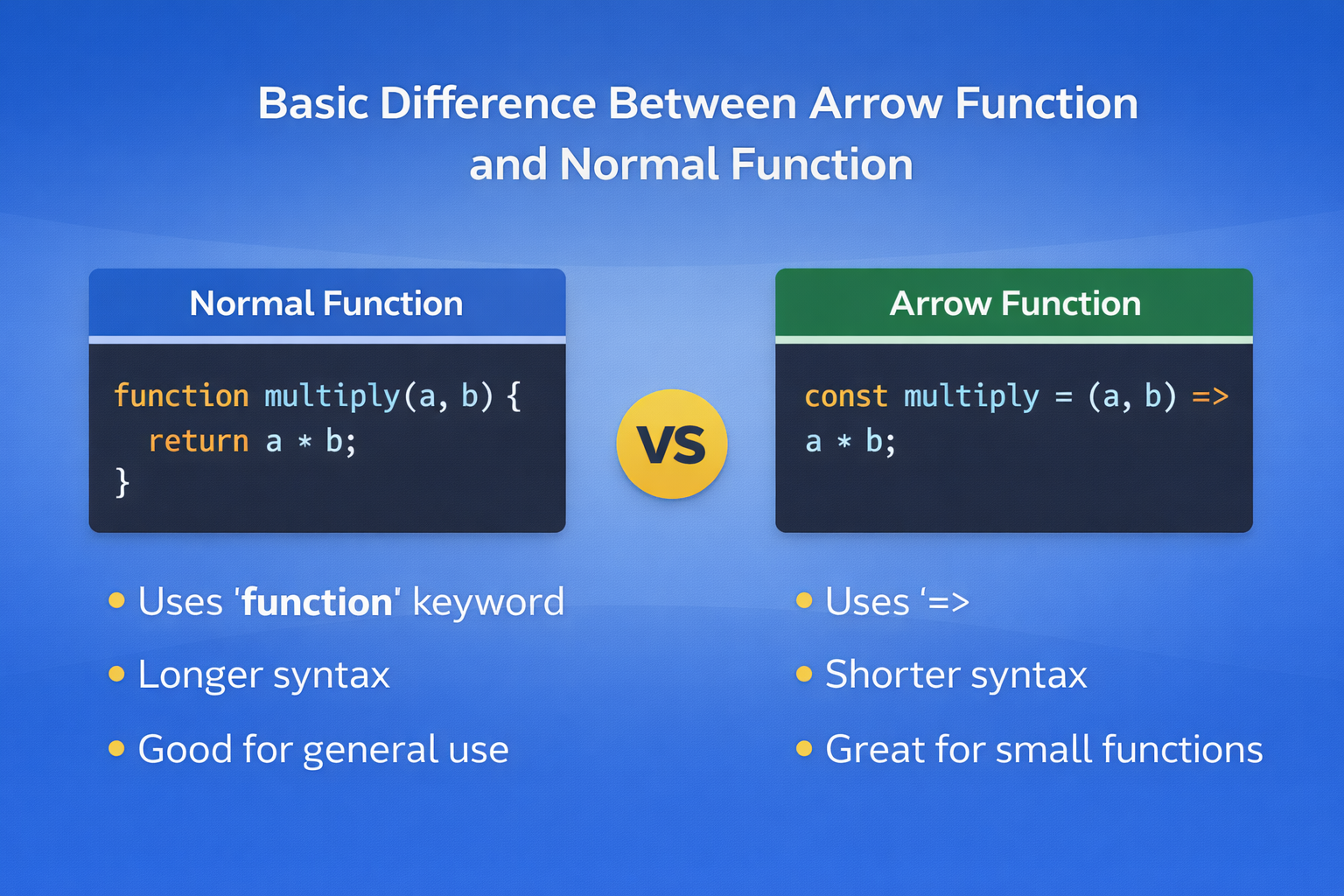
Basic Difference Between Arrow Function and Normal Function
Example comparison:
Normal function:
function multiply(a, b) {
  return a * b;
}
Arrow function:
const multiply = (a, b) => a * b;
Much shorter.
Using Arrow Functions with Arrays
Arrow functions are commonly used with array methods like map().
Example:
const numbers = [1, 2, 3, 4];

const squares = numbers.map(num => num * num);

console.log(squares);
Output:
[1, 4, 9, 16]
Here the arrow function makes the code very clean and readable.
Assignment Practice
Try writing these yourself to get comfortable with arrow functions.
1. Square of a Number (Normal Function)
function square(num) {
  return num * num;
}
2. Square Using Arrow Function
const square = num => num * num;
3. Check Even or Odd Using Arrow Function
const isEven = num => num % 2 === 0;

console.log(isEven(4));
console.log(isEven(7));
Output:
true
false
4. Use Arrow Function with map()
const numbers = [2, 4, 6, 8];

const doubled = numbers.map(num => num * 2);

console.log(doubled);
Output:
[4, 8, 12, 16]
Why Developers Love Arrow Functions
Arrow functions are widely used in modern JavaScript because they:
Reduce unnecessary syntax
Make code easier to read
Work beautifully with array methods like
map,filter, andreduceEncourage a more functional programming style
You will see arrow functions everywhere in modern JavaScript frameworks like React.
Final Thoughts
Arrow functions are not meant to completely replace normal functions. Instead, they give developers a cleaner and more expressive way to write small functions.
When used properly, they can make your code look shorter, clearer, and more modern.
If you're learning JavaScript today, getting comfortable with arrow functions is definitely an important step.


